Sections
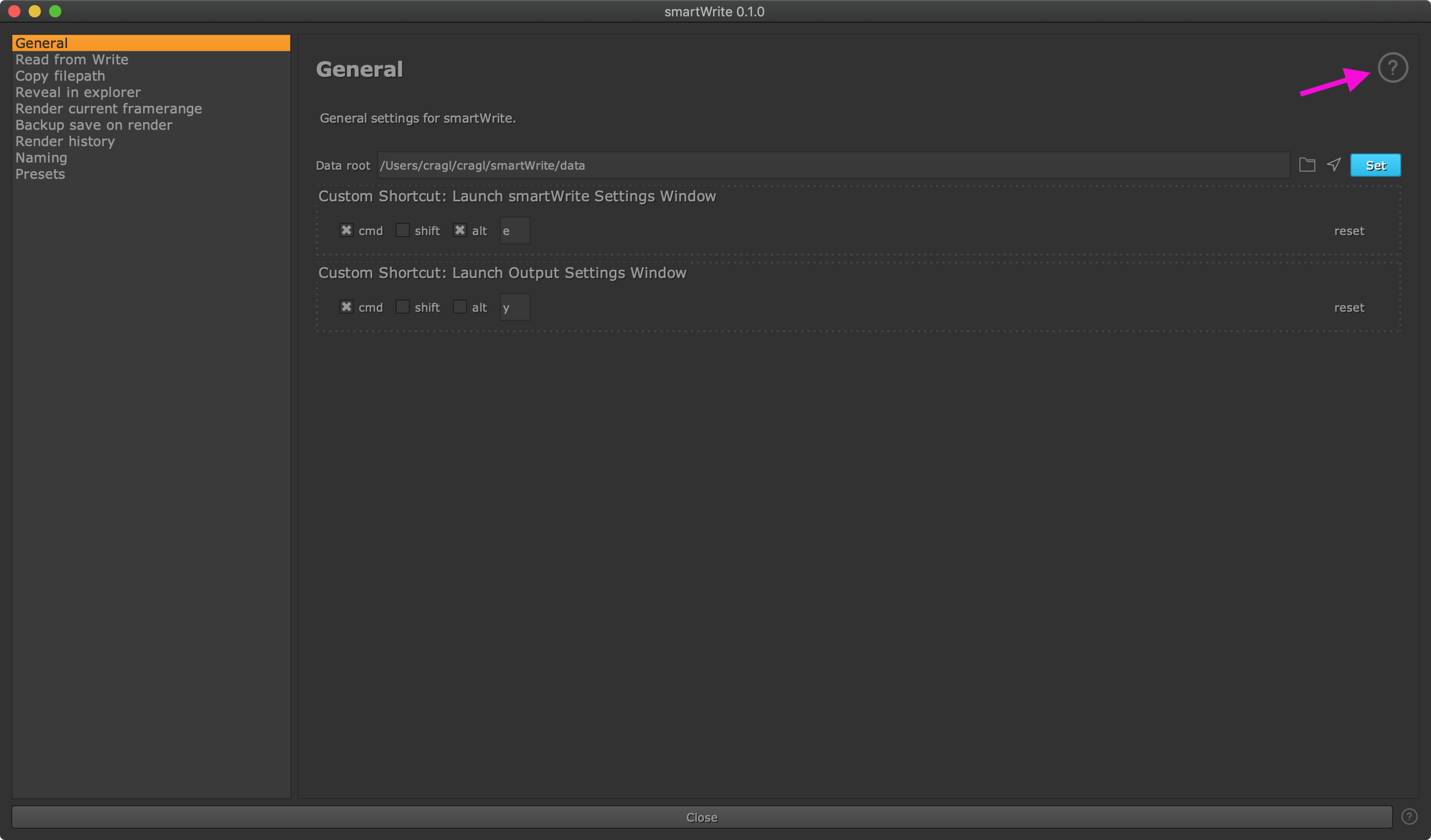
smartWrite’s functionality is grouped into sections. Use the navigation list on the left to switch between sections.
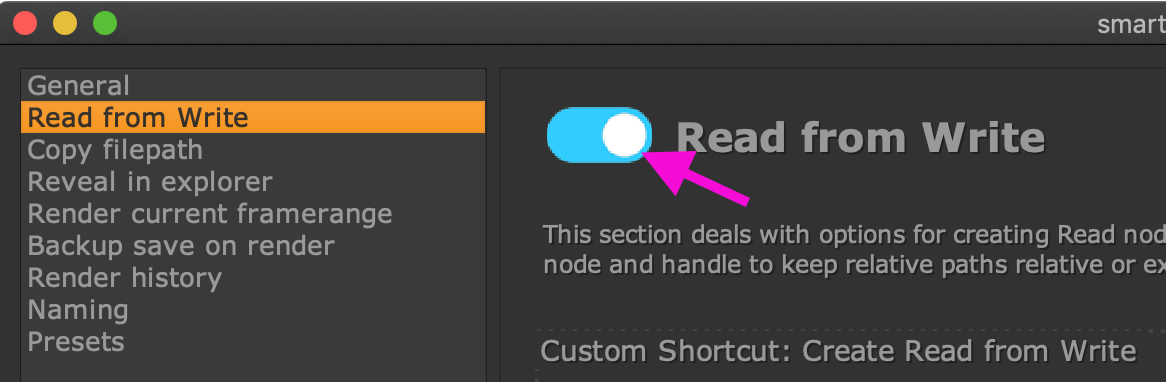
Note that by default, all custom features that smartWrite offers are turned off. You can turn features on and off as needed. Use the switch that you find on each section page to turn a functionality on or off. This drives the availability of the commands in the smartWrite menu in your menu bar.
All sections are described in further detail next.
Note that each section contains a help button at the top right. Clicking it will navigate you to the documentation of the currently selected section.