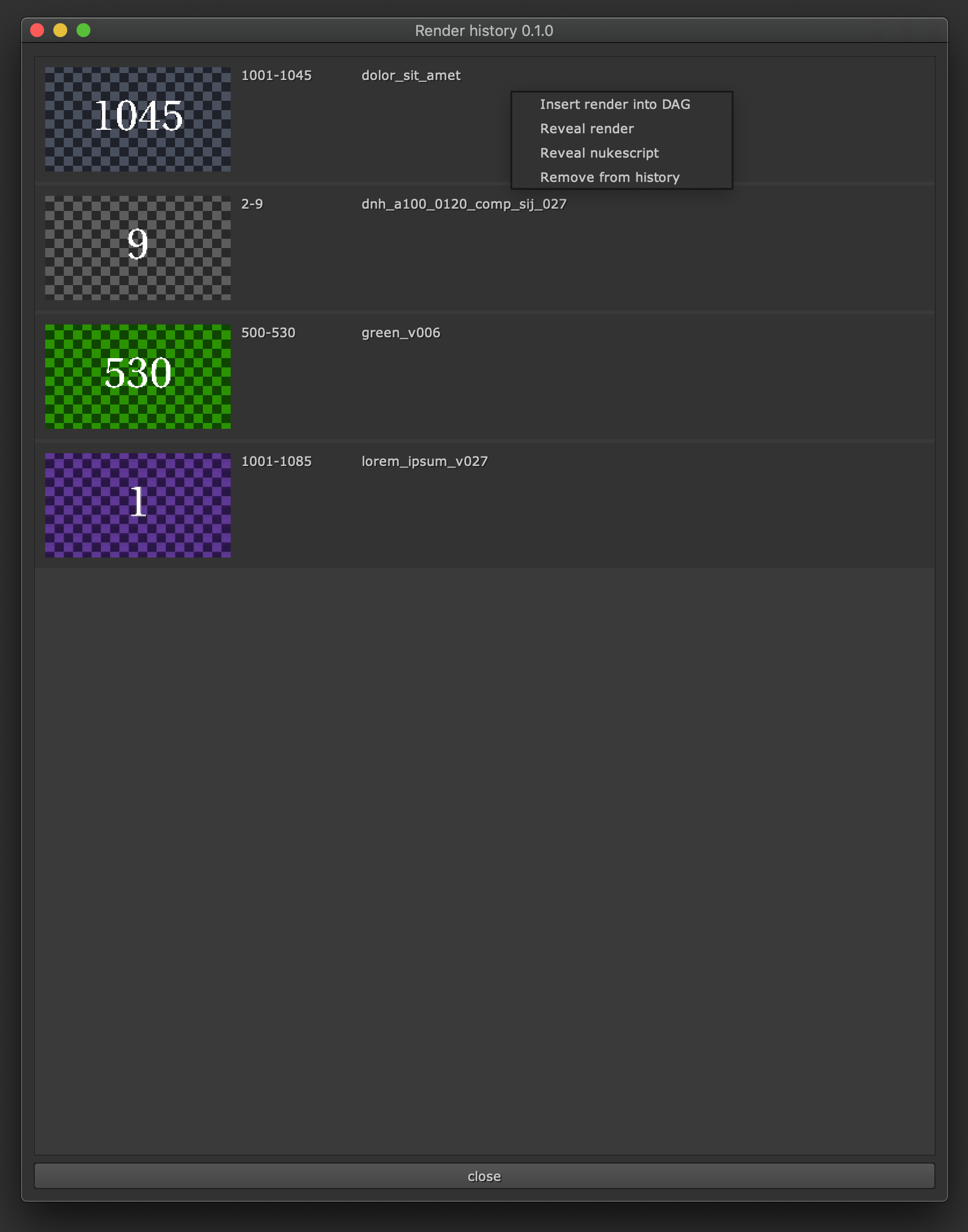
Section - Render history
The ‘Render History’ section lets you assign a custom shortcut to launch the render history window:
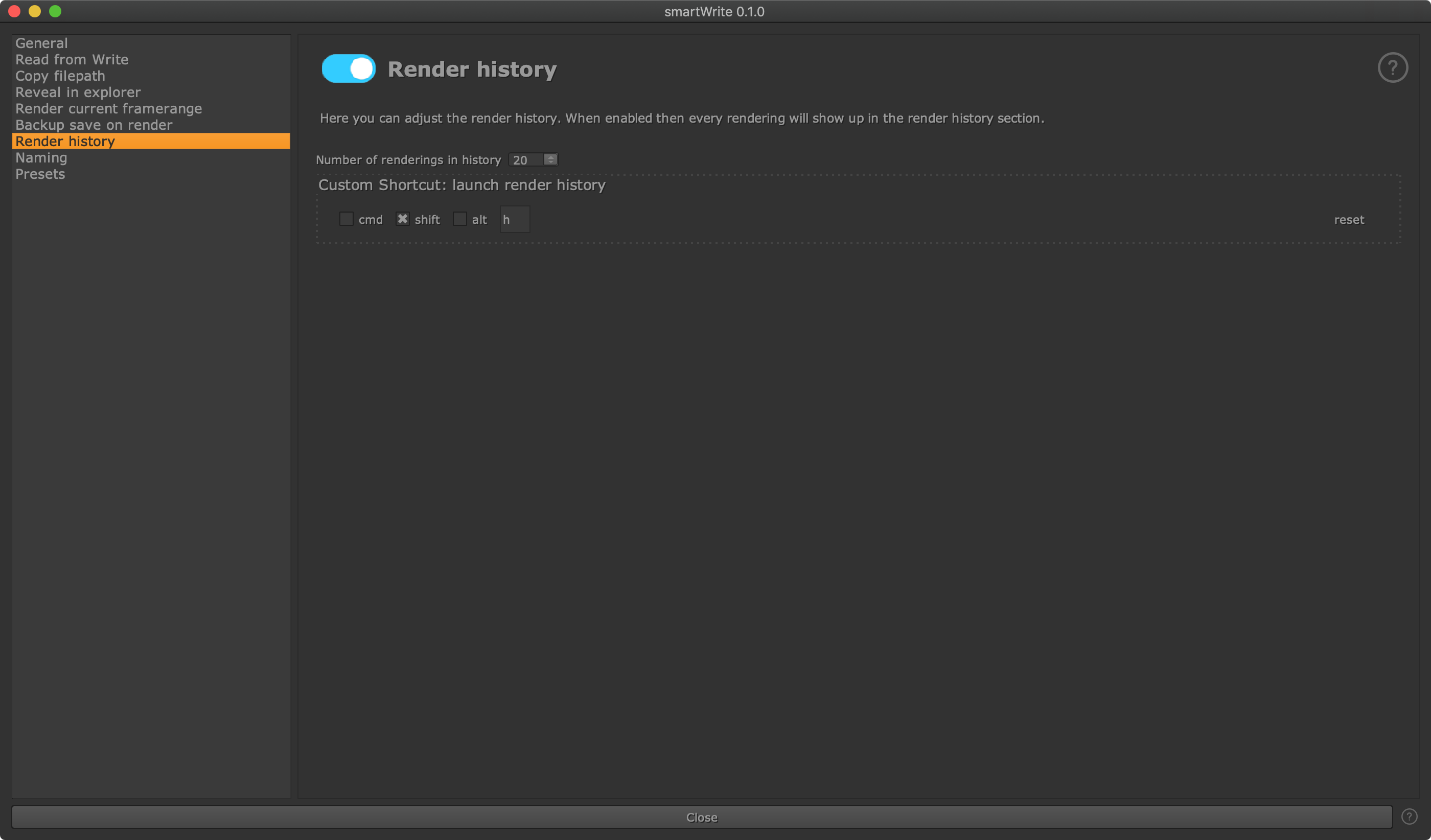
Here you can also set the maximum amount of latest render history elements to show in the render history window.
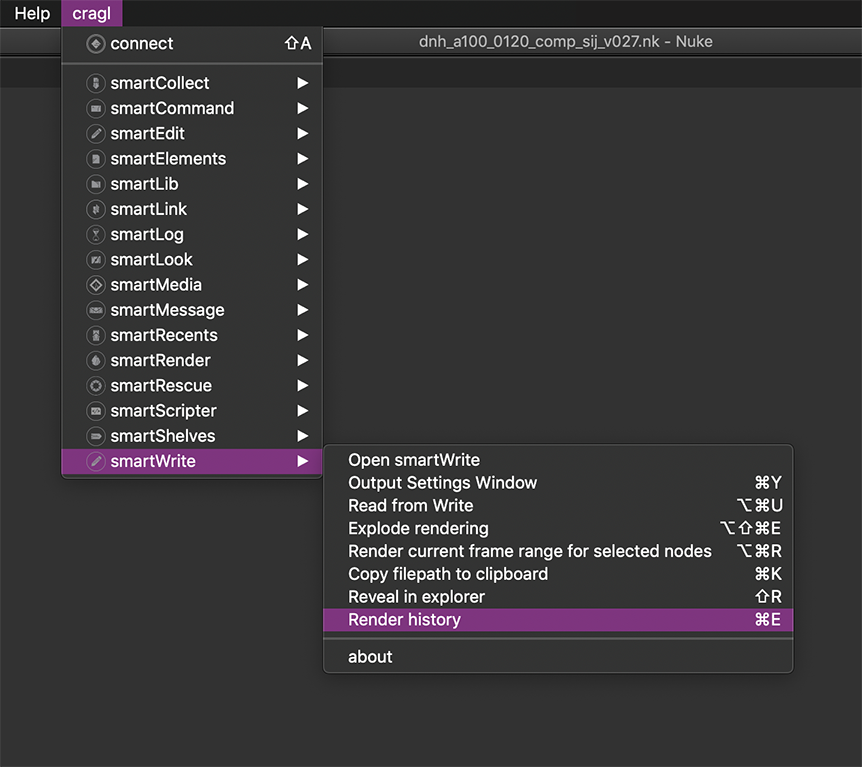
If enabled, the render history can be accessed via Nuke’s menu bar or using the assigned shortcut:
The render history window shows you the latest renderings that you rendered. You can simply drag and drop one or many into your nodegraph to get them into your current Nuke session. Right click an element and trigger several actions for it as seen below: