Section - Presets
The ‘Presets’ section lets you define presets for your Write/DeepWrite/WriteGeo nodes. You can create as many presets as you like and set up all knob values and the naming template as needed. You can then apply a preset to a selected output node by launching the Output Settings Window and selecting a preset from the preset dropdown menu as seen below:
The Presets section groups presets for Write, DeepWrite and WriteGeo nodes:
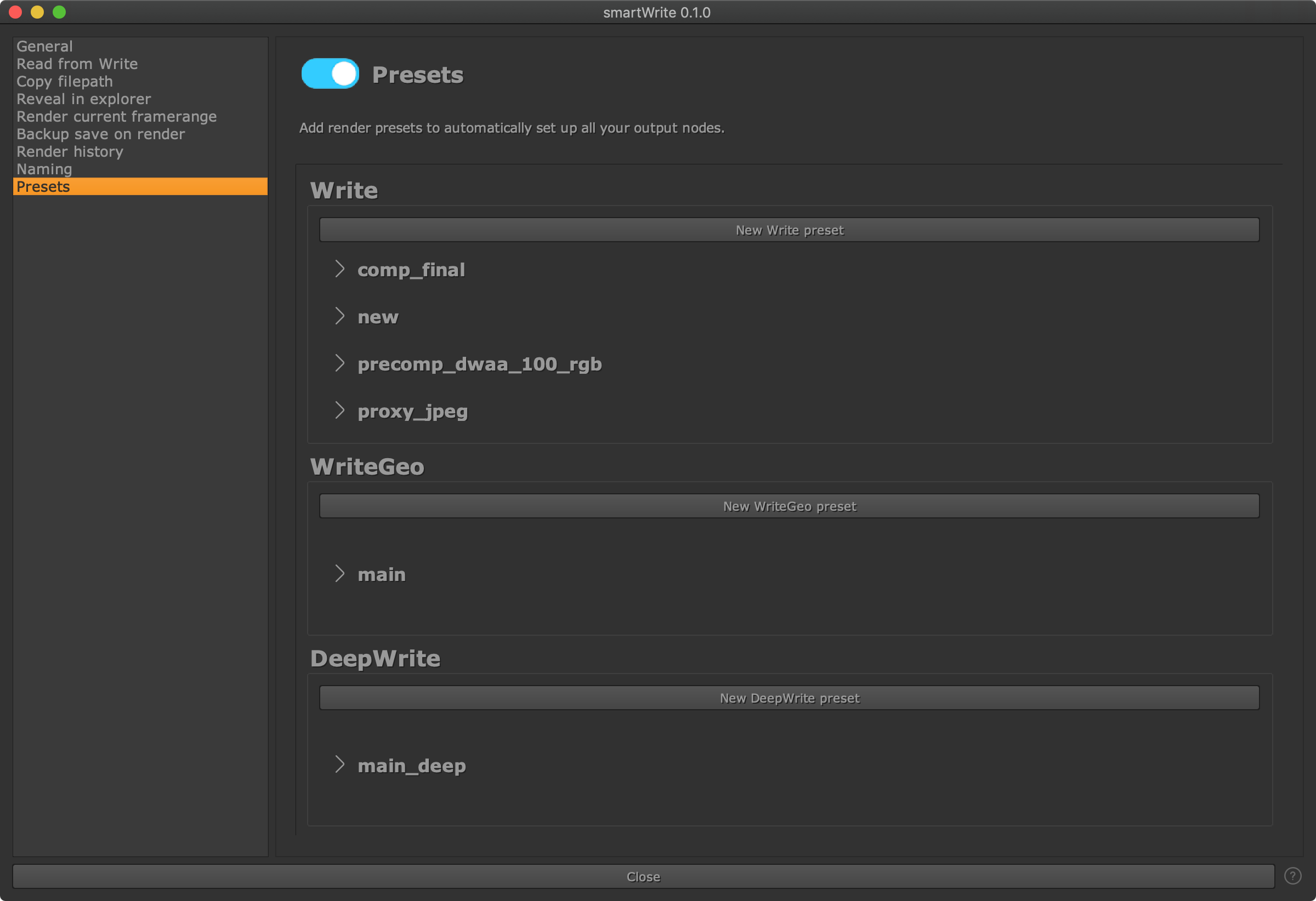
Click the ‘New XXX preset’ button to create a new preset where XXX is Write, WriteGeo and DeepWrite. Click the chevron > in order to expand it:
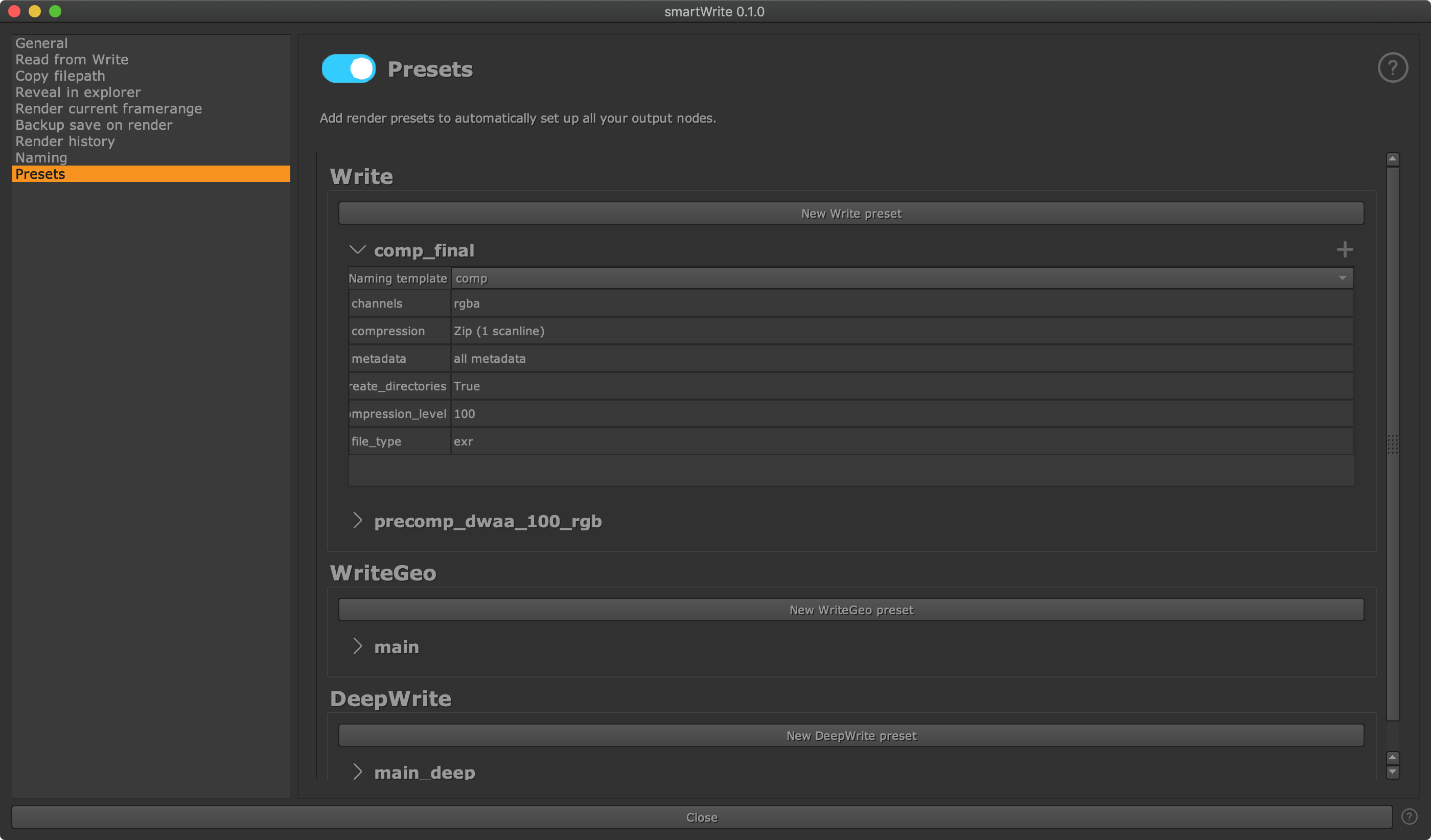
Here you can set up a naming template to apply as described in the previous
Naming section page. You can also set up any knob-value
pair for any knob of your output nodes. To add a new knob-value pair click the
plus button at the top right of the preset. The left is the knob to set up, the
right is the value to set up to. The file_type knob gets taken into account
when assembling the output path. Hover over any knob in your output node to
get the internally used knob name. This is what you need to enter as knob name
on the left of each row.