Accessing
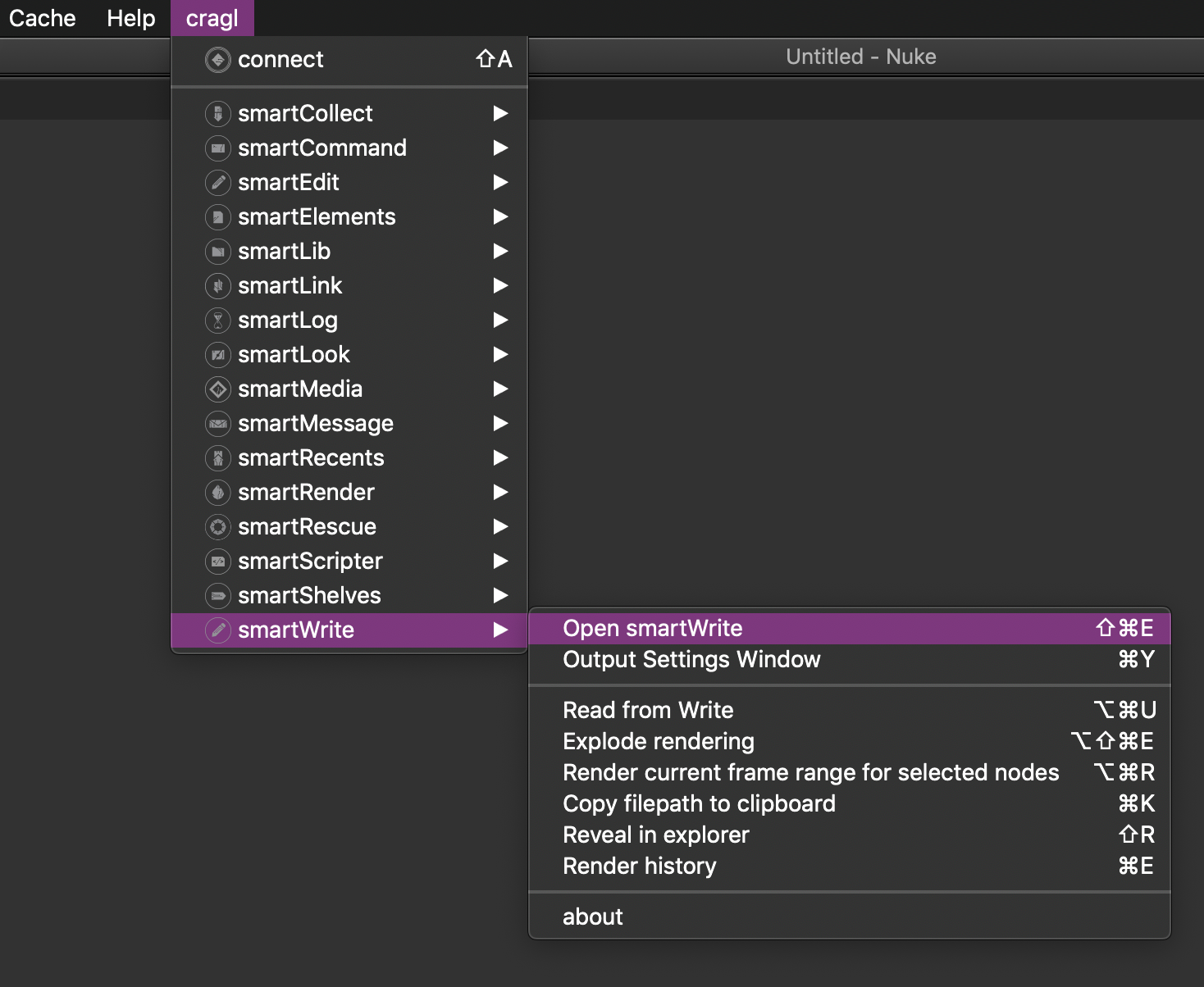
After the installation is finished, restart Nuke and you will now find the new sub menu smartWrite inside your cragl menu:
Note
On initial launch your menu will contain less commands. That is because by default all custom functions are turned off and you can enable and assign custom shortcuts to them as needed. So you can just use portions of smartWrite or you can use all its features - you decide. The next page shows you how to do that.
Turning on/off sections and assigning custom shortcuts take effect immediately. No restart of Nuke is required.
The smartWrite main window can be accessed via Nuke’s menu bar: cragl -> smartWrite -> open smartWrite
In the smartWrite main window under the ‘General’ section you can assign a custom shortcut to launch the smartWrite main window.
The main window contains several sections that you can navigate with the list on the left. All sections are described in further detail in the following.