Section - Read from Write
The ‘Read from Write’ section lets you assign a custom shortcut to create a Read/DeepRead/ReadGeo from your selected Write/DeepWrite/WriteGeo node. As mentioned previously, any custom shortcut takes effect immediately, so a restart of Nuke won’t be required.
A ‘Read from Write’ button is also available in the Output Settings Window.
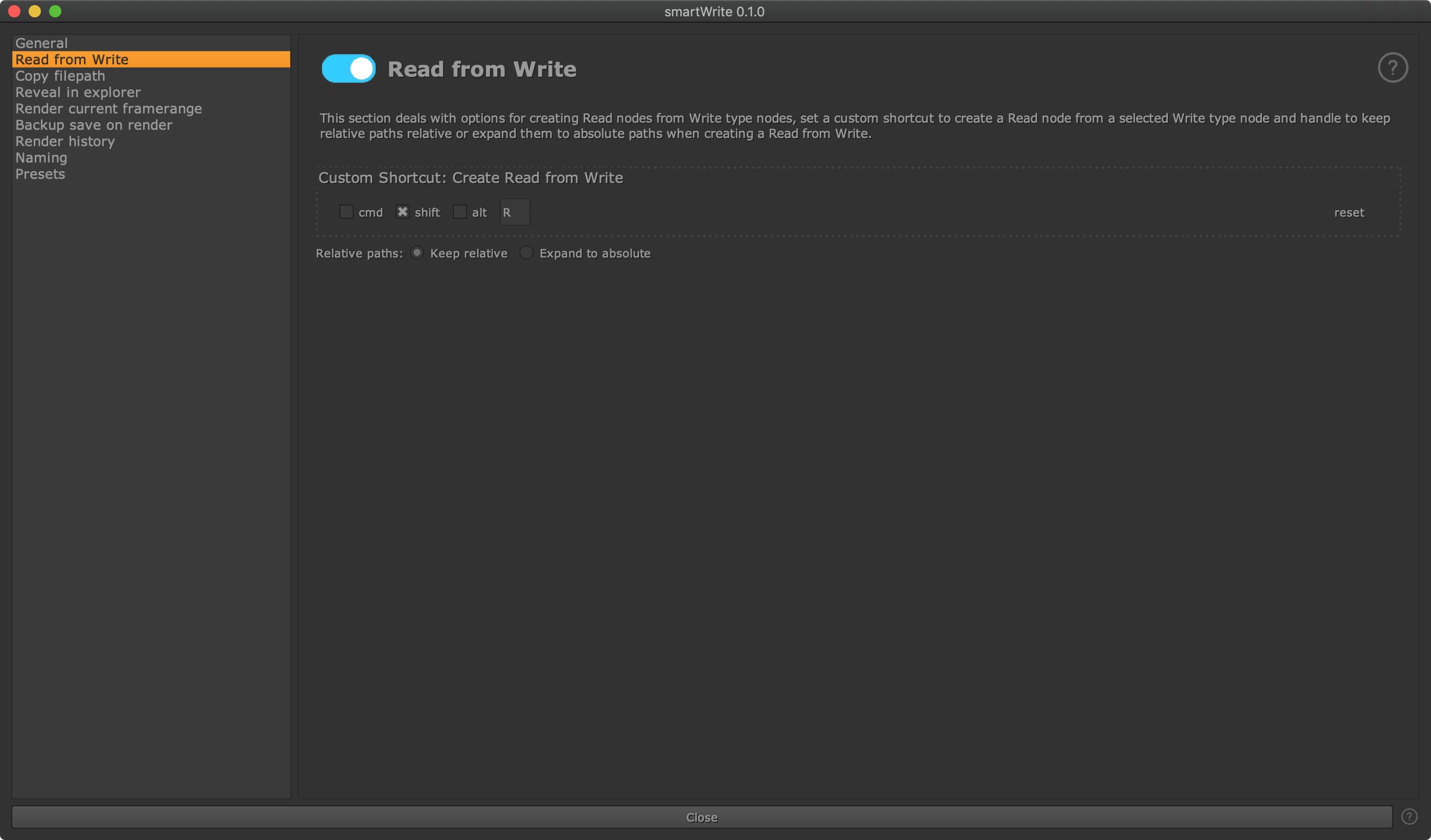
Relative paths: Here you can decide how to handle paths for the created Read/DeepRead/ReadGeo node when the selected Write/DeepWrite/WriteGeo node contains a relative path. Choose ‘Keep relative’ to keep referencing a relative path in your Read/DeepRead/ReadGeo node. Choose ‘Expand to absolute’ to expand the path to an absolute path.