Accessing smartLog
After the installation is finished, restart Nuke and you will now find the new sub menu smartLog inside your cragl menu. It contains three commands:
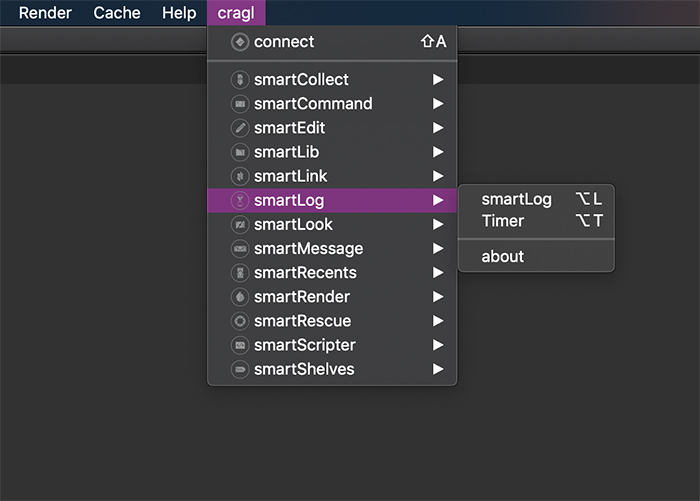
smartLog: Opens the smartLog main window. The shortcut is
Alt + LTimer: Opens the time tracker window. The shortcut is
Alt + Tabout: Opens the smartLog about window
Tip
If required, you can change the shortcuts as you like. Simply open the
smartLog’s menu.py file and update the shortcuts as needed.