What’s new?
Version 1.6.0
Migrate to nuke-18
Update styles
Version 1.5.0
Add notification widget for smartCache main window
Various user actions show now a small auto closable notification widget at the top center.
Version 1.4.0
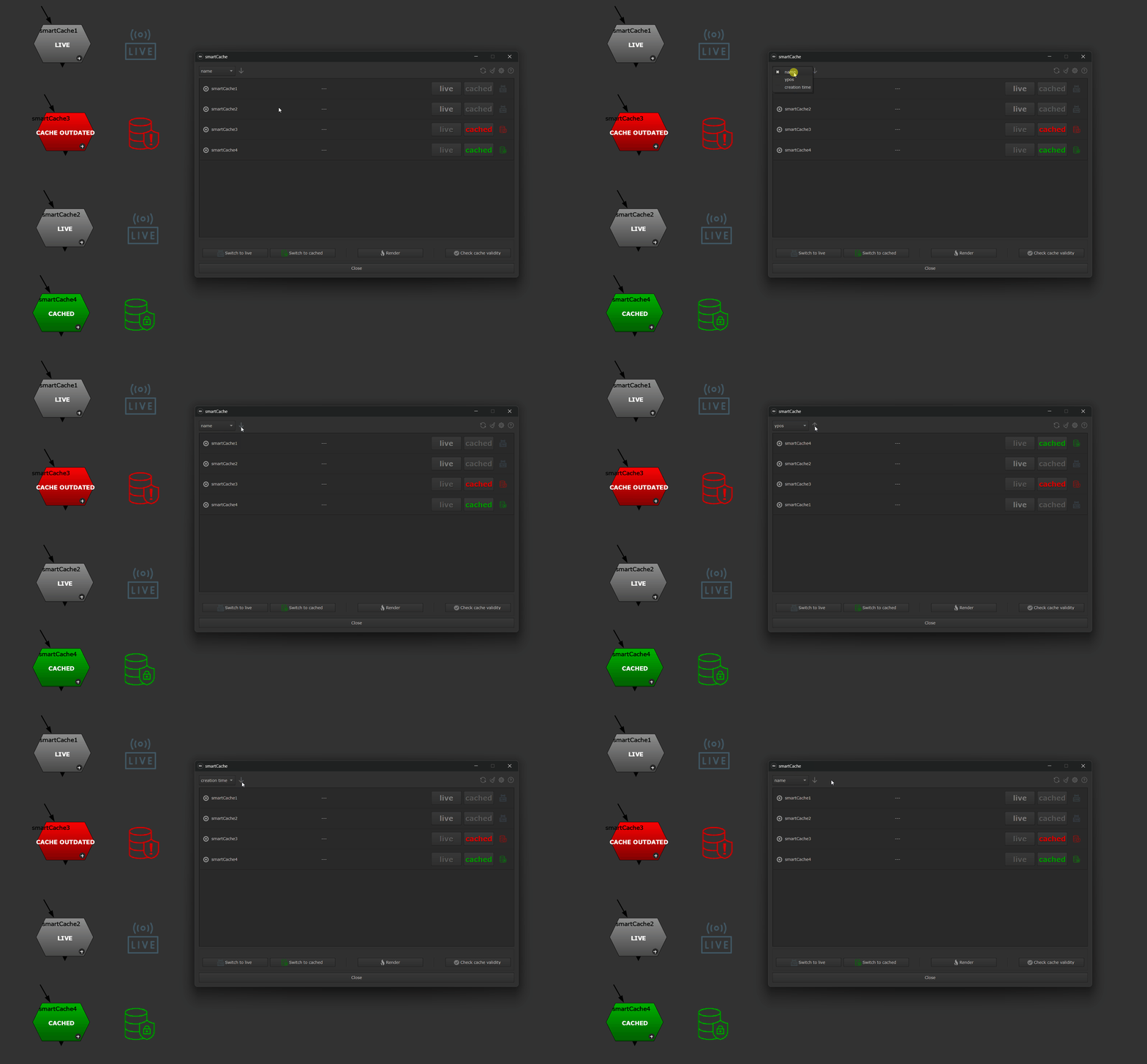
Add Sort mode and order for cache nodes in main window
You can now sort cache nodes in ascending/descending order by cache node name, y-position in the DAG or creation date. This helps finding caches quickly once you start having multiple ones in your working file.
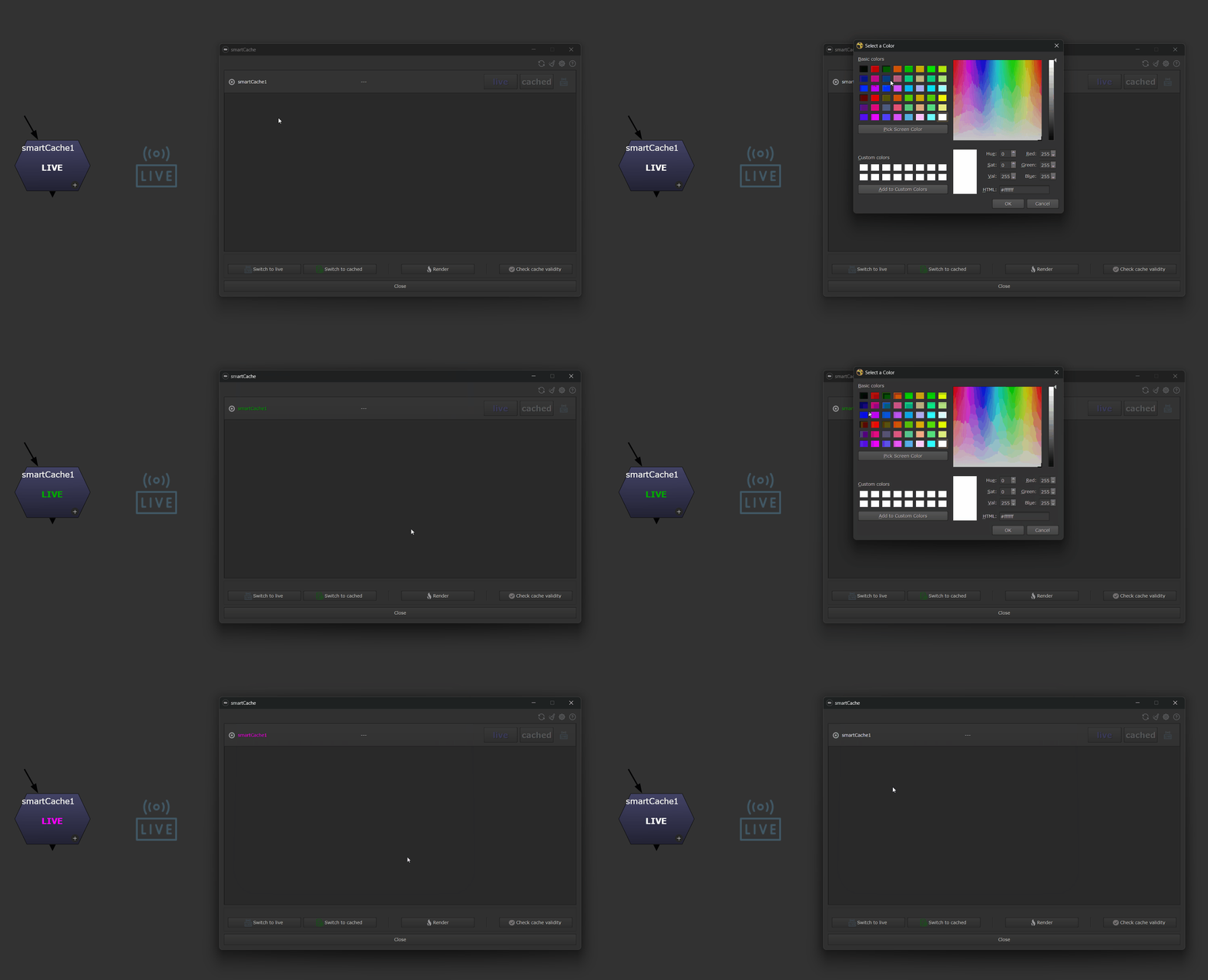
Tint cache nodes
You can now tint cache nodes in the smartCache main window. This helps to quicker find them when your node graph contains many cache nodes. Right-click a cache node in the smartCache main window, choose Set color from the context menu and pick a custom color. The picked color gets also used as node font color on the cache node. The color gets stored persistently, i.e. it stays even after closing smartCache and Nuke. To unset a custom cache node color select a cache node from the smartCache main window and choose “Unset color” from the context menu.
Version 1.3.0
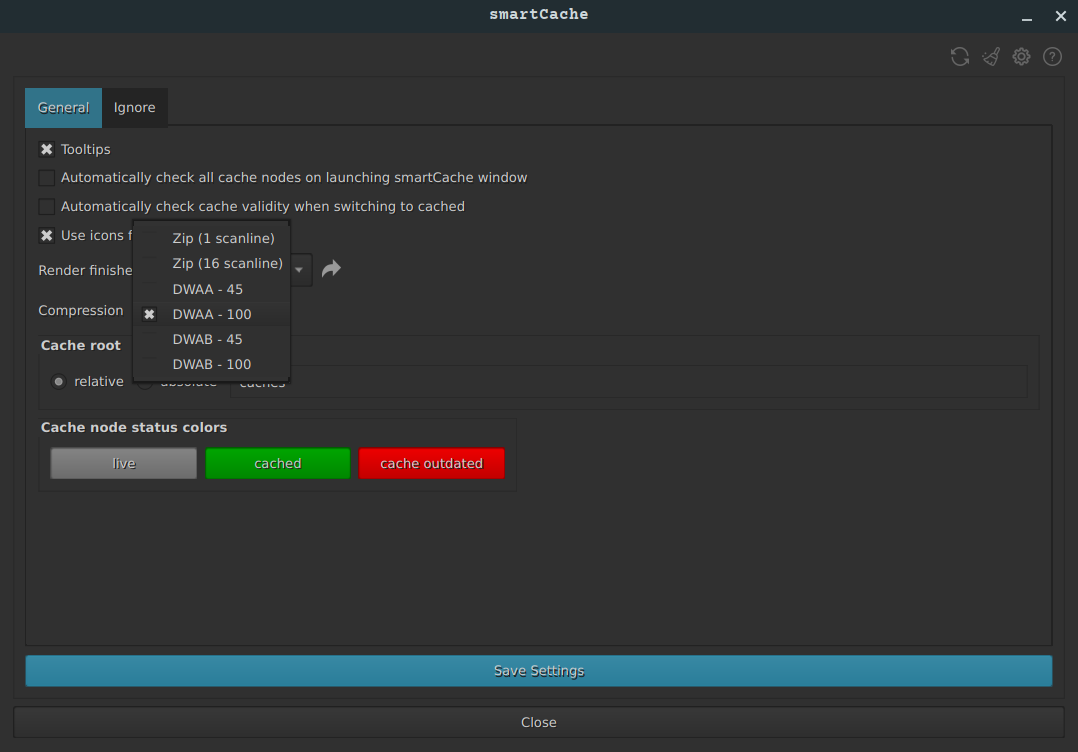
Make compression for caches configurable
In the settings you will now find a ‘compression’ setting to adjust the compression settings for the cache process to your needs. Do you need any additional compression preset? Let us know.
Version 1.2.1
Version 1.2.0
Update to nuke-16
Version 1.1.0
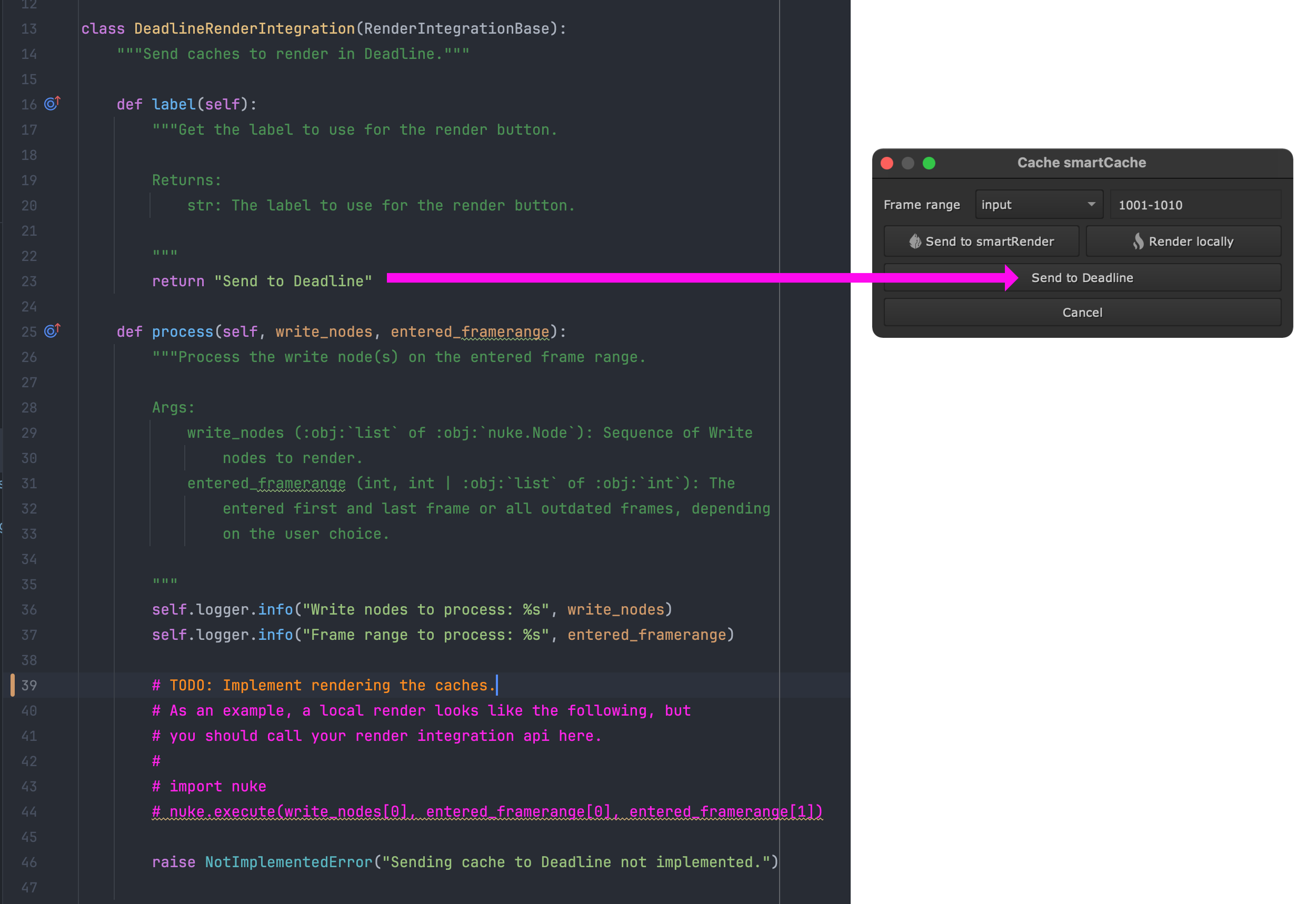
Implement third party render integration
smartCache offers now functionality to submit the rendering of your smartCache nodes to a third party render engine, e.g. Deadline, Tractor, Royal Render, etc. But you can also use this functionality to trigger your own render logic and execute whatever code you need to execute.
For more information please refer to the Render integrations section.
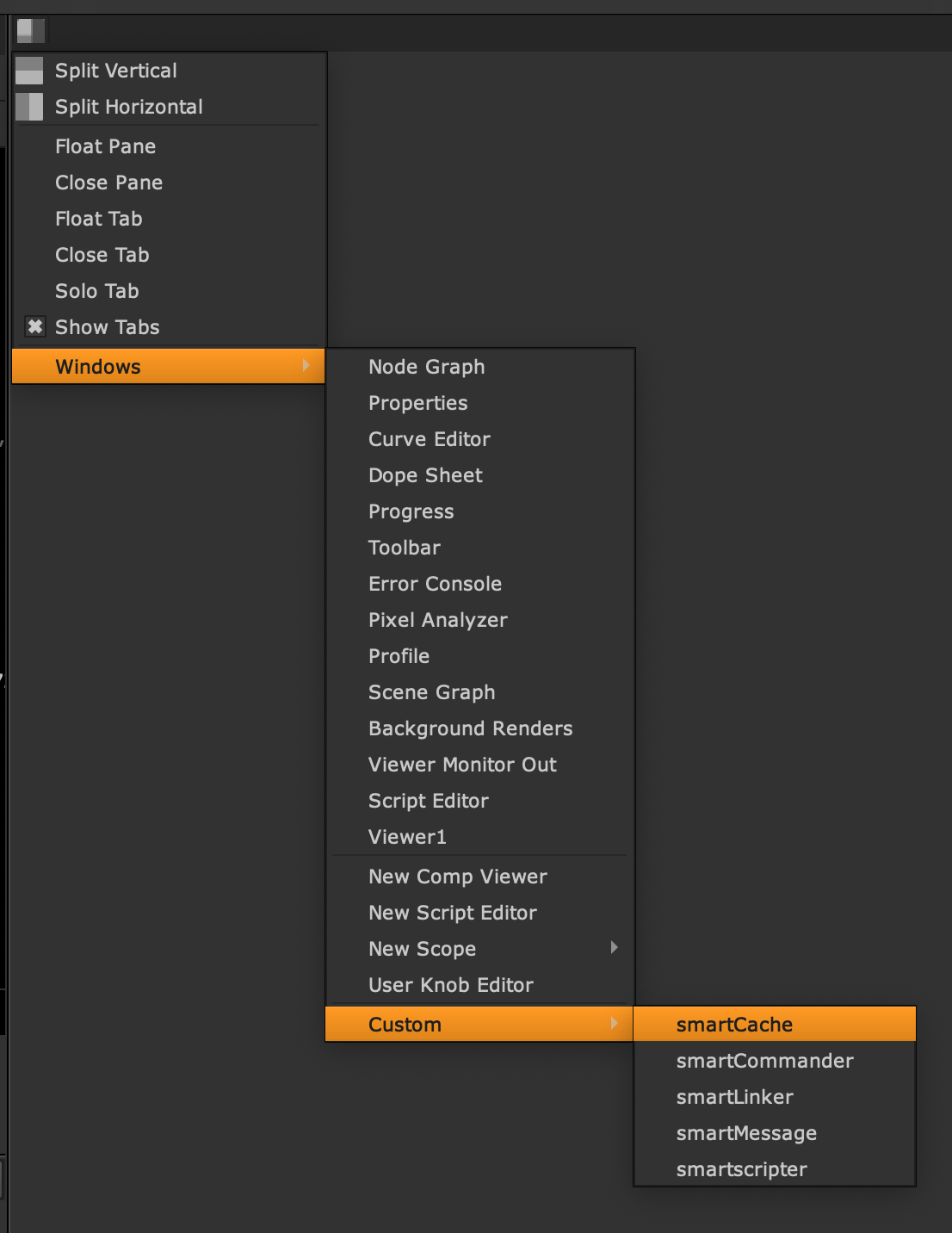
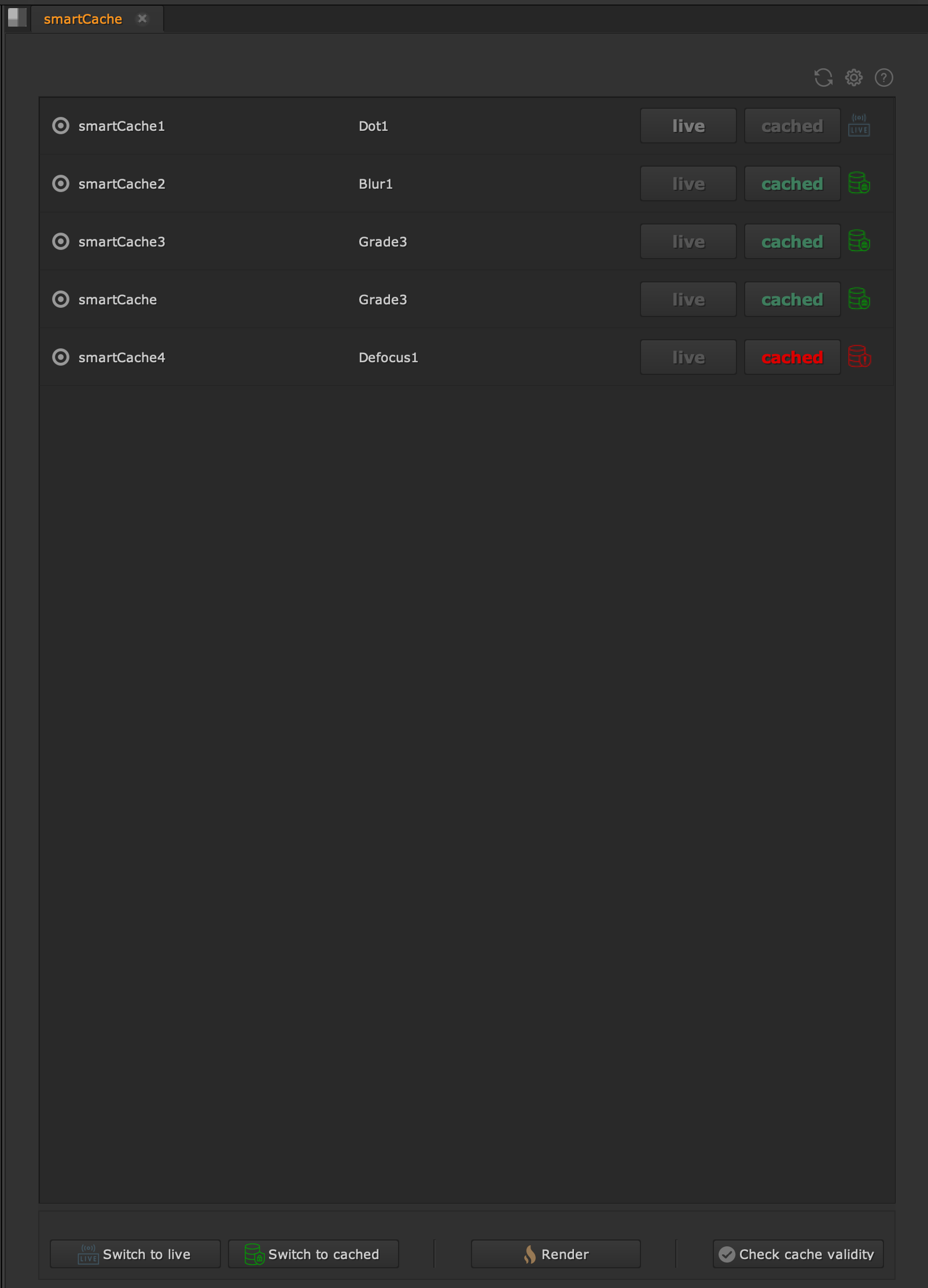
Make smartCache window dockable
In the custom pane menu you will now find a ‘smartCache’ command. Clicking it docks the main window. You can save this as new layout to keep the smartCache window persistent in your layout.
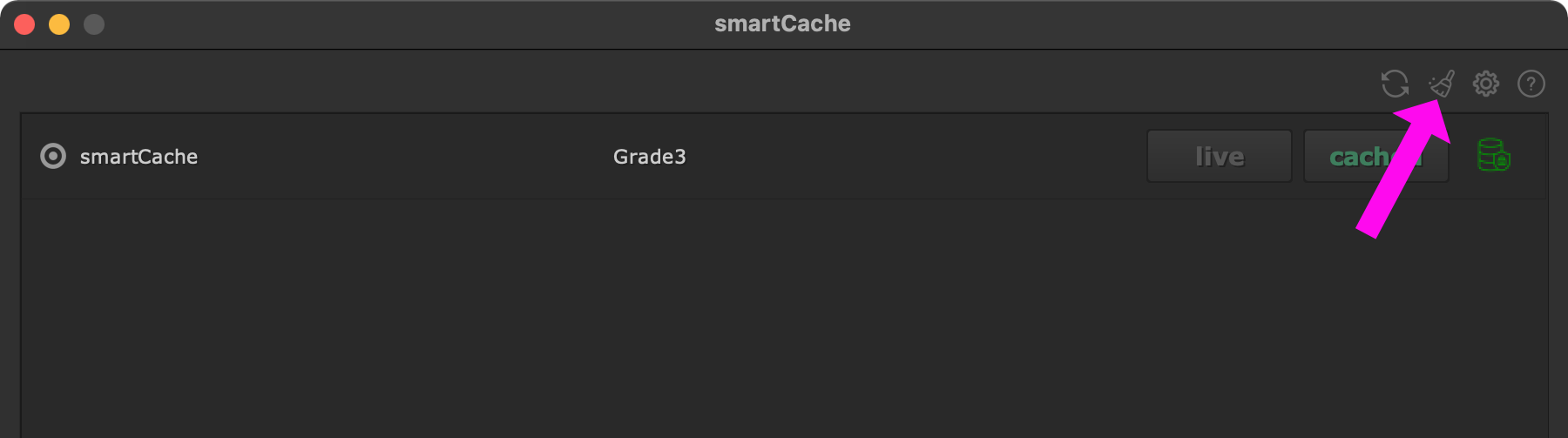
Add button to clear all caches
The main window contains now a button at the top right to clear all Nuke caches. Executing this button does the same as executing ‘Cache -> Clear All’ from Nuke’s menu bar.
Version 1.0.1
Fix launch in legacy nuke-11 version
Version 1.0.0
Initial Release