Render dialog
Having selected a node while creating a cache node automatically launches the render dialog. You can also click the ‘render’ button in any cache node’s properties to open the render dialog. You can select one or multiple cache nodes and render all these in one go:

The render dialog looks like the following:
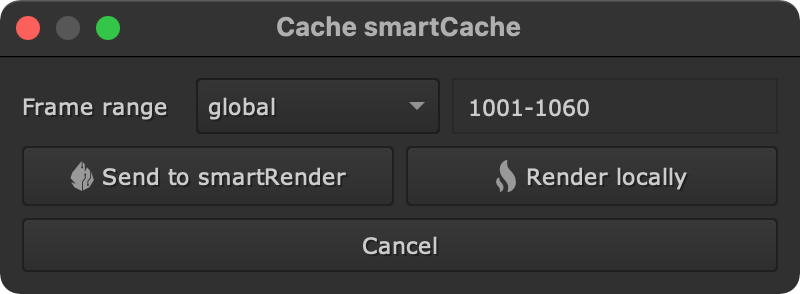
Set the frame range to render. Choose from:
global: The global frame range of your working file as defined in the Nuke root.
input: The frame range of the upstream node connection.
custom: A custom defined start and end frame.
There are two options to render:
Send to smartRender: Render the cache multi threaded in the background using our tool smartRender. You will need to have smartRender installed on your end to use this feature.
Render locally: Render the cache in the foreground locally.
Once the rendering finishes the cache node flips automatically to ‘cached’ mode so it reads the rendered cache files.