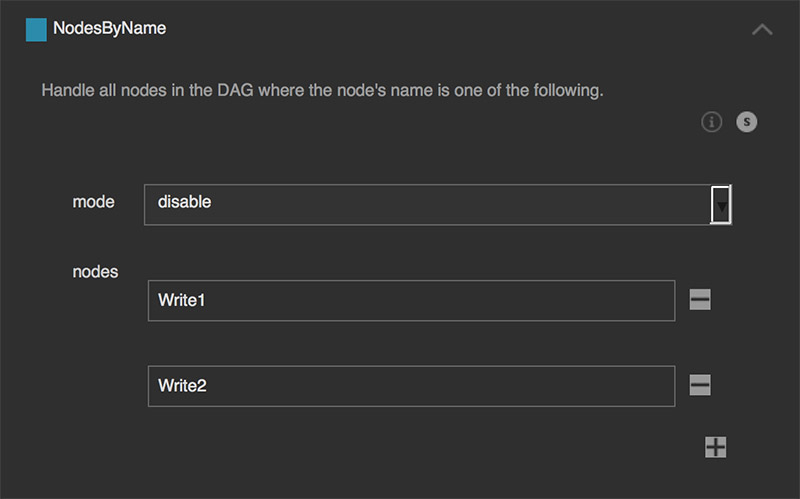
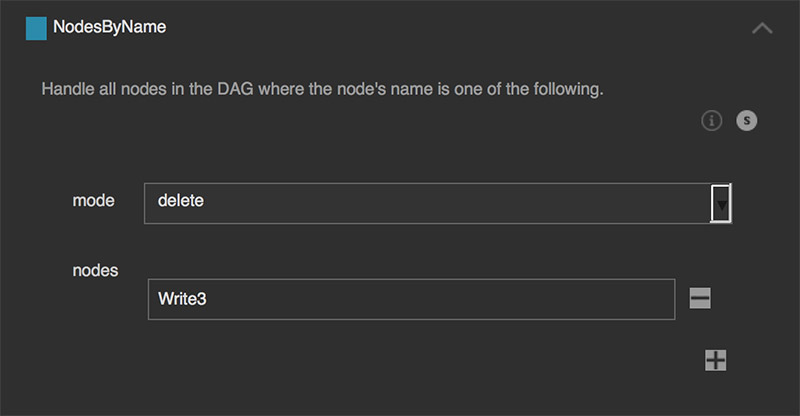
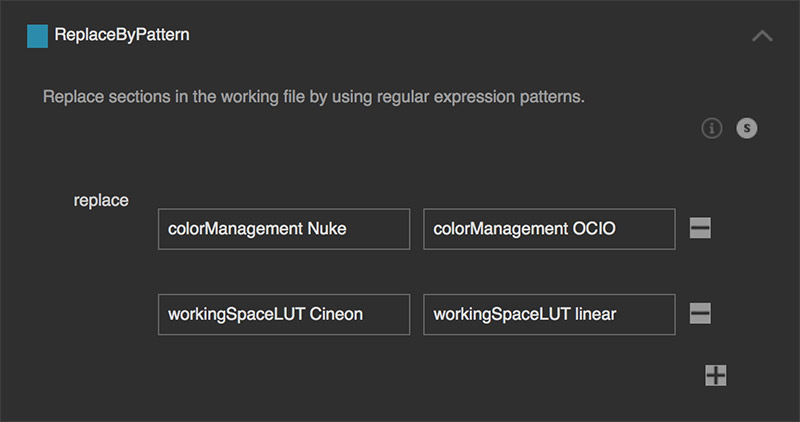
smartRescue offers multiple steps out of the box. These can be used to get
a certain range or specific nodes of your working file selected and handle
them by disabling, deleting or disconnecting them from the stream.
Additionally, a few steps let you create additional information about your
working file. Creating new steps, is possible as well and gets discussed
here. All steps are discussed in the following.
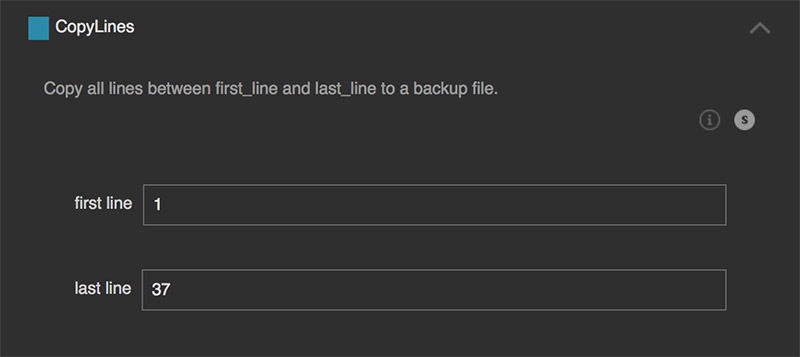
Copy all lines between first_line and last_line to a backup file.
This is useful to debug at which node of a working file the file itself gets
corrupt and will possibly crash when opening the working file. Keep in mind
that you should set the first line at the beginning of a node and the last
line at the end of a node to prevent from generating working files with
incomplete node structures. For that you will need to view the working file
using a text editor (all .nk files are simply ascii files that you can view
with your text editor).
This will store the content of line 1 to 37. All lines afterwards will
be removed.
2) Copy everything except the last X lines
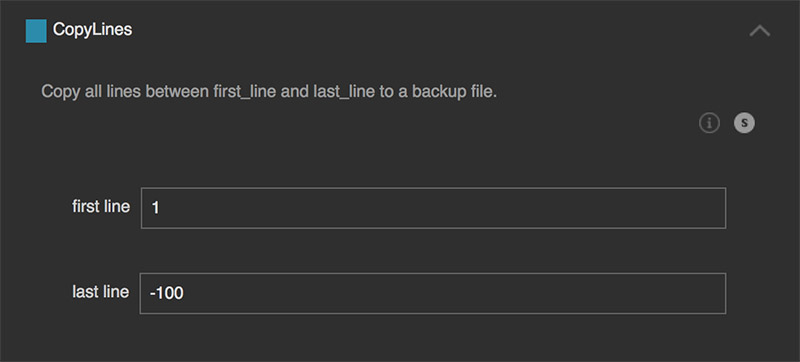
Inserting negative values for the ‘last_line’ is possible as well. This
will then copy until the last x lines: first line: 1 and
last line: -100. This will copy line 1 until the last 100 lines. For
instance, when the working file contains 500 lines, then it will copy
line 1 till line 400. The last 100 lines won’t be copied.
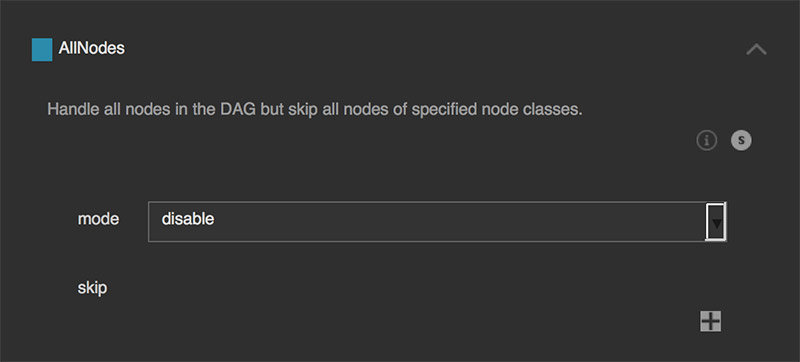
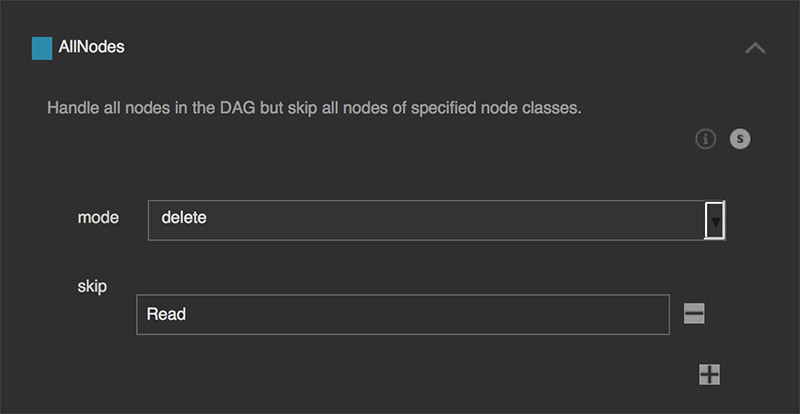
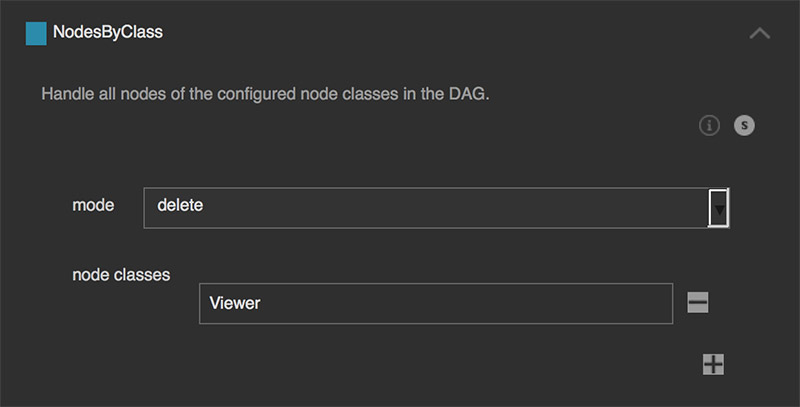
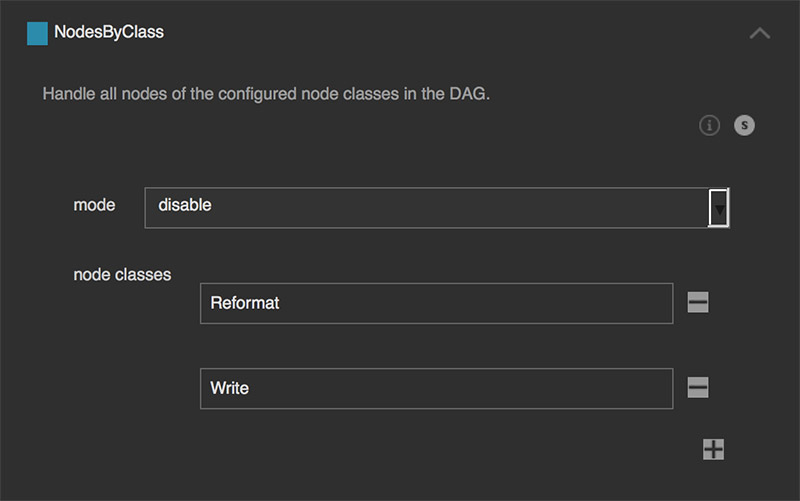
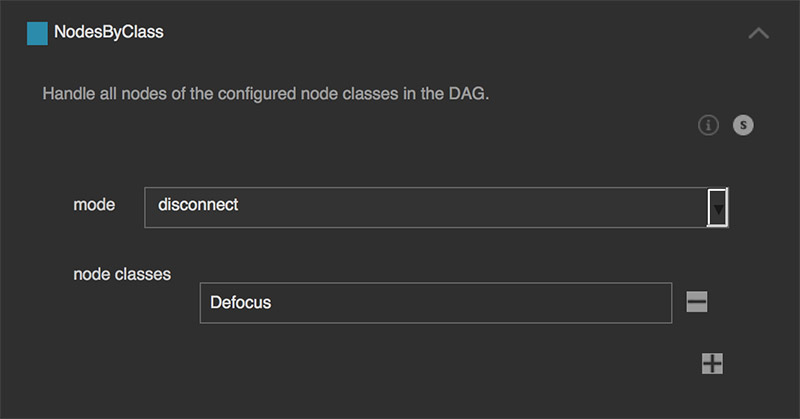
Handle all nodes of the configured node classes in the DAG.
This processes recursively, meaning we include also all nodes being nested
inside Group nodes.
Keep in mind that some node classes are versioned inside Nuke, e.g. Merge2,
Camera2, Tracker4, etc. If in doubt about the node class, create a node and
press ‘I’ to show the node info window. In this window you can also see the
node class of the selected node.
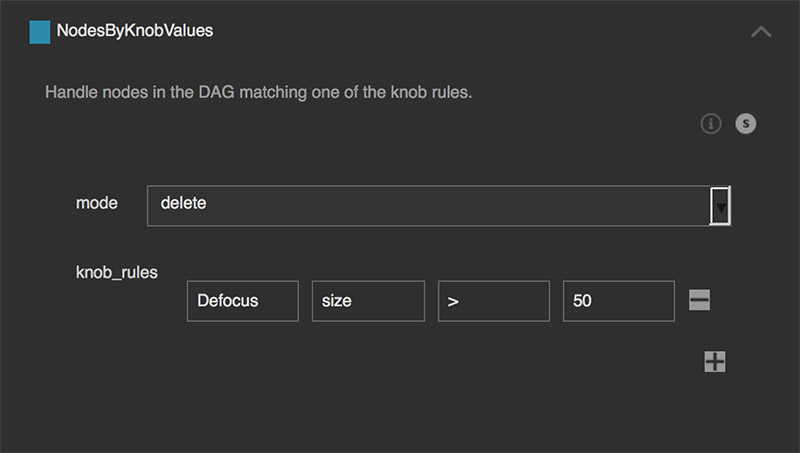
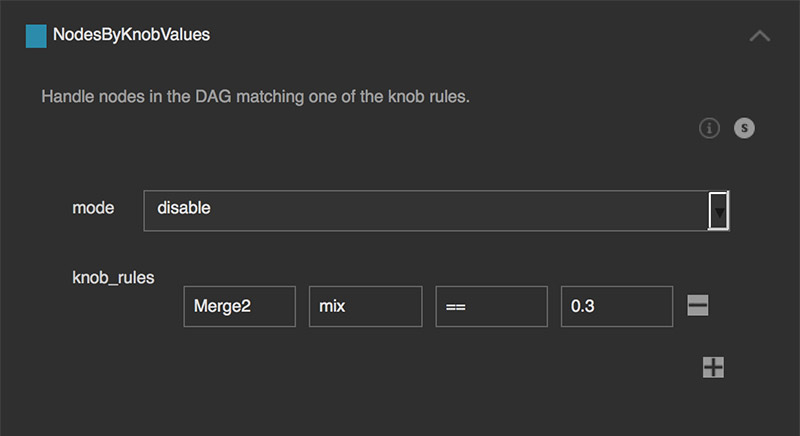
Handle nodes in the DAG matching one of the knob rules.
This will search all nodes in the DAG. If any node contains the following knob
and the operator matches the given value then we handle the node as configured.
The following operators are supported:
== equal
!= not equal
< less than
<= less than or equal
> greater than
>= greater than or equal
Delete all nodes of node class ‘Defocus’ where the ‘size’ knob is
‘greater than’ the value of ‘50’.
Disable all nodes of the node class ‘Merge2’ where the ‘mix’ knob’s
value is ‘equal’ to ‘0.3’.
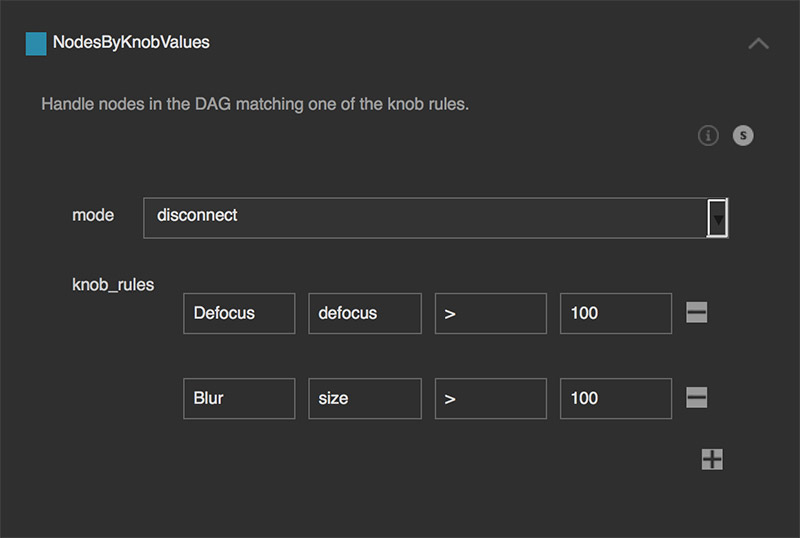
3) Disconnect all nodes of the node class ‘Defocus’ where the ‘defocus’
knob’s value is ‘greater than’ the value of ‘100’ and all nodes of the
node class ‘Blur’ where the ‘size’ knob’s value is ‘greater than’ the
value of ‘100’.
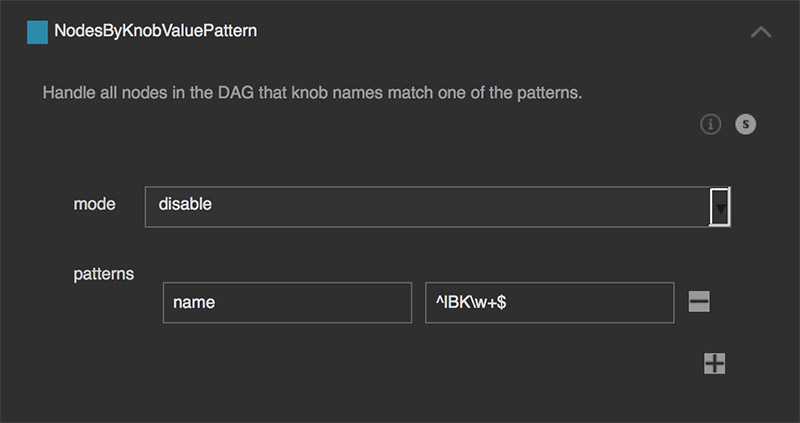
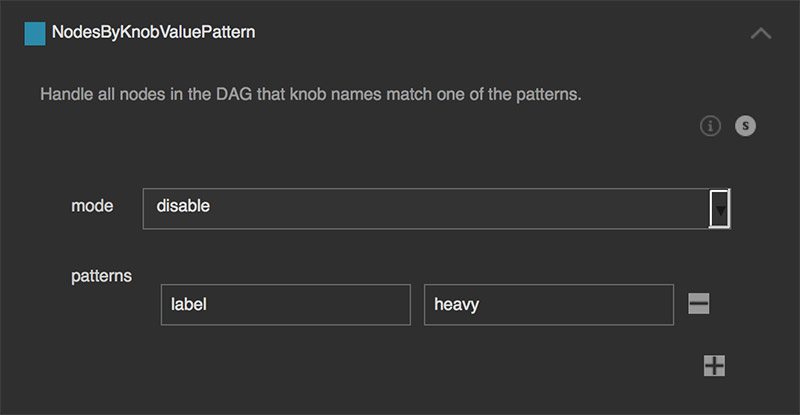
Handle all nodes in the DAG that knob names match one of the patterns.
This will iterate over all nodes and check if the given key (knob name) exists
and checks if the pattern for that knob matches in the knob’s value. To check
the node name itself, we can use the node’s ‘name’ knob, which contains the
name of the node.
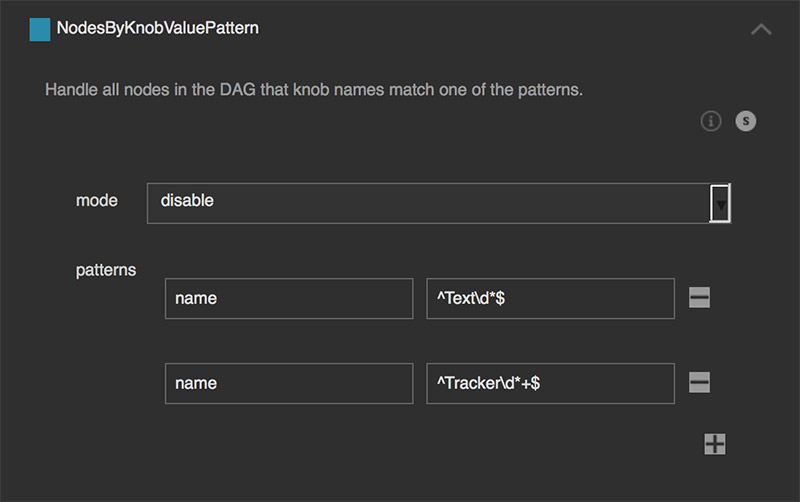
Disables all ‘Text’ nodes (i.e. current ‘Text2’ node) and legacy ‘Text’
nodes (i.e. ‘Text’) as well as all Tracker nodes (i.e. current
‘Tracker4’ node) and all legacy Tracker nodes (i.e. ‘Tracker’, is there
no ‘Tracker2’?), ‘Tracker3’):
Deletes all nodes that have ‘heavy’ in their label. Explicitly kept
open by not using ‘^’ at the pattern beginning and not using ‘$’ at
the pattern end, so that ‘heavy’ and ‘lorem ipsum heavy dolor sit amet’
will both match.
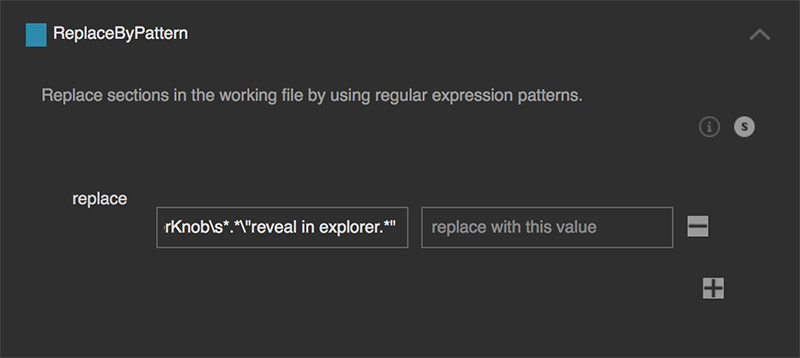
Remove non ASCII characters from the working file.
ASCII (American Standard Code for Information Interchange), is a character
encoding standard for electronic communication and represents text in
computers. All Nuke working files should only contain characters within the
ASCII table of 1-127. When using external gizmos and third-party plugins,
chances are given that the authors include ASCII characters in their tools that
are outside the ASCII table of 1-127 - especially if the authors live in non
english speaking countries and are not aware of this fact. Characters outside
the legal range will stop Nuke from parsing the working file, resulting in not
loading the whole Nuke script. For more information about ASCII have a look at:
https://en.wikipedia.org/wiki/ASCII
This step removes all illegal character from the working file that fall outside
the legal character table range of 1-127.
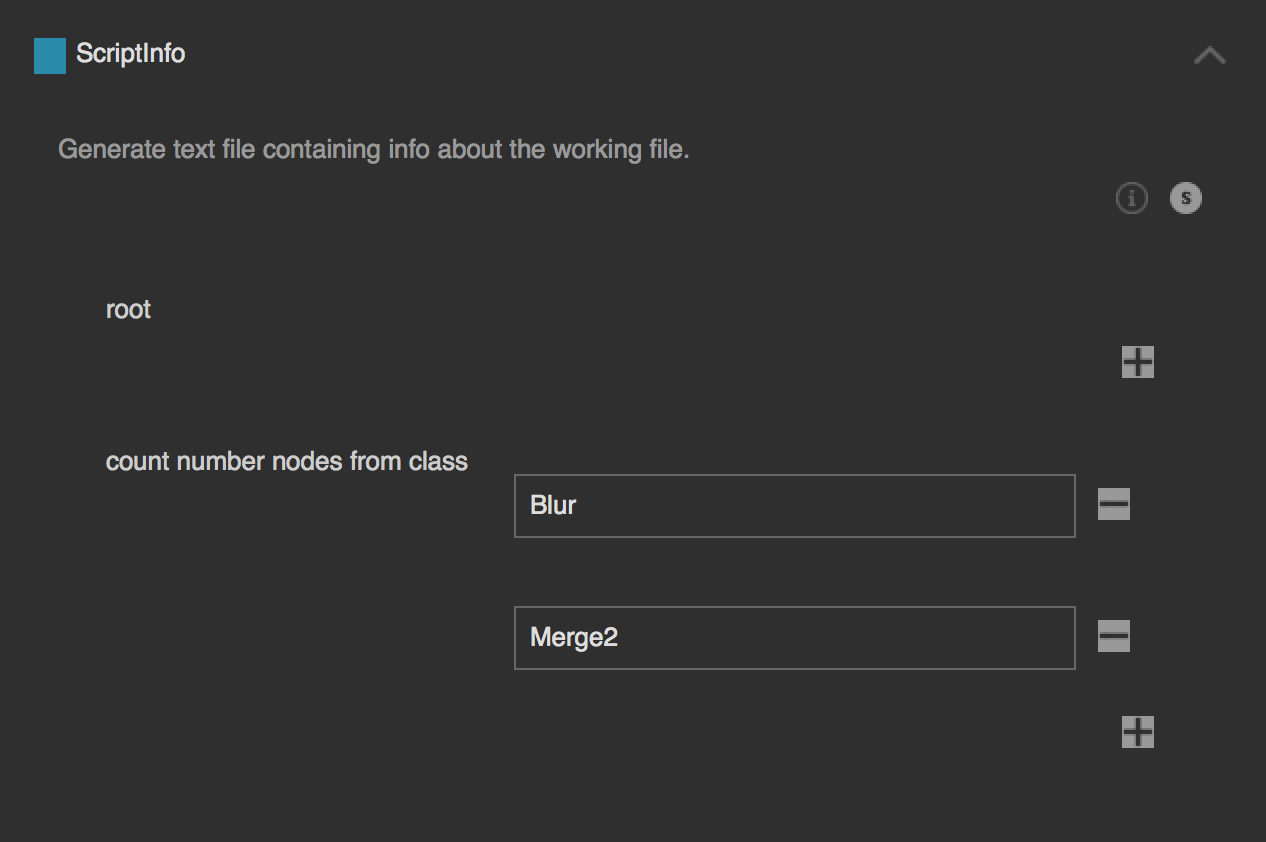
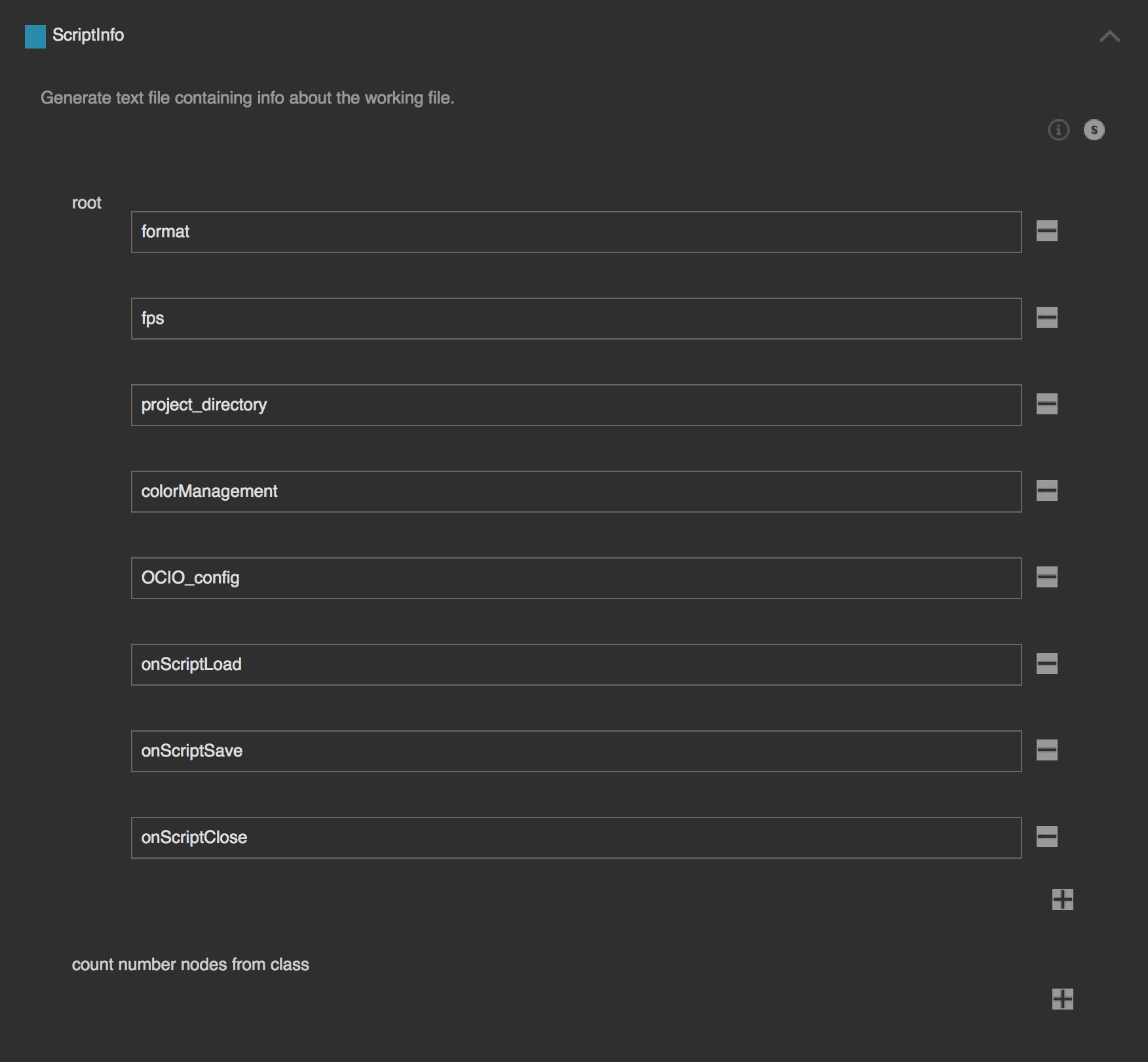
For the example file “my_workfile.nk” this will create a
“my_workfile.nk_info.txt” with information about the working file and
will include the amount of ‘Blur’ and ‘Merge2’ nodes: